Spice-tirunelveli
CAD CAM Courses

 CAD CAM Courses


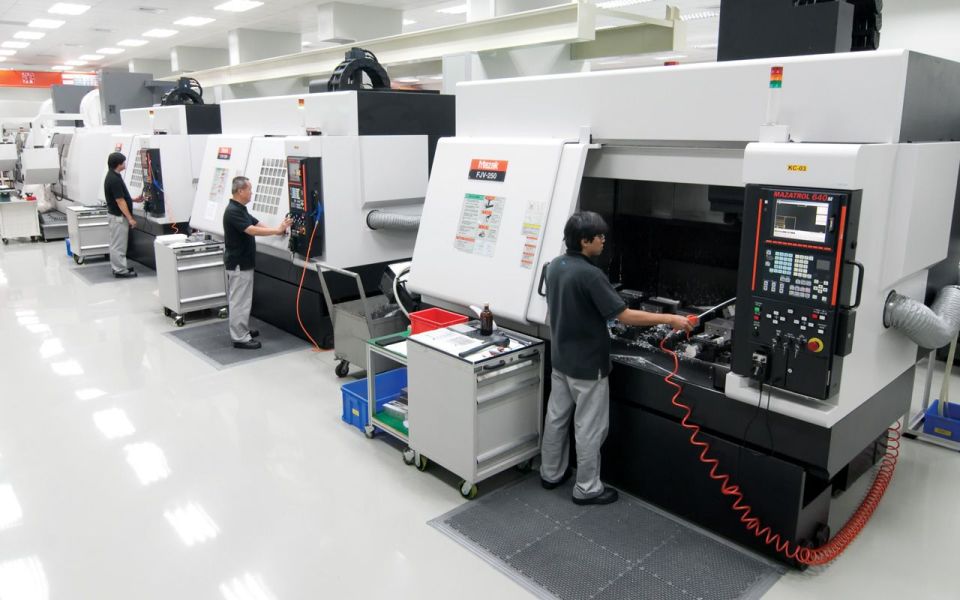
CNC Lathe & Milling

  • Introduction
  • Do & Don’t at Workshop
  • Offset Settings
  • Simulation with Practical
  • Control Panel
  • CNC Lathe
    • Turning Cycle
    • Facing Cycle
    • Pattern Repeating Cycle
    • Peck Drilling Cycle
    • Grooving Cycle
    • Multiple Thread Cycle
  • CNC Milling
    • Drilling Cycle
    • Boring Cycle
    • Tapping Cycle
    • Profile Milling
    • Mirror Concepts
    • Data Setting
    • Rotation Co ordinates
cnc lathe milling 1
cnc lathe milling 2

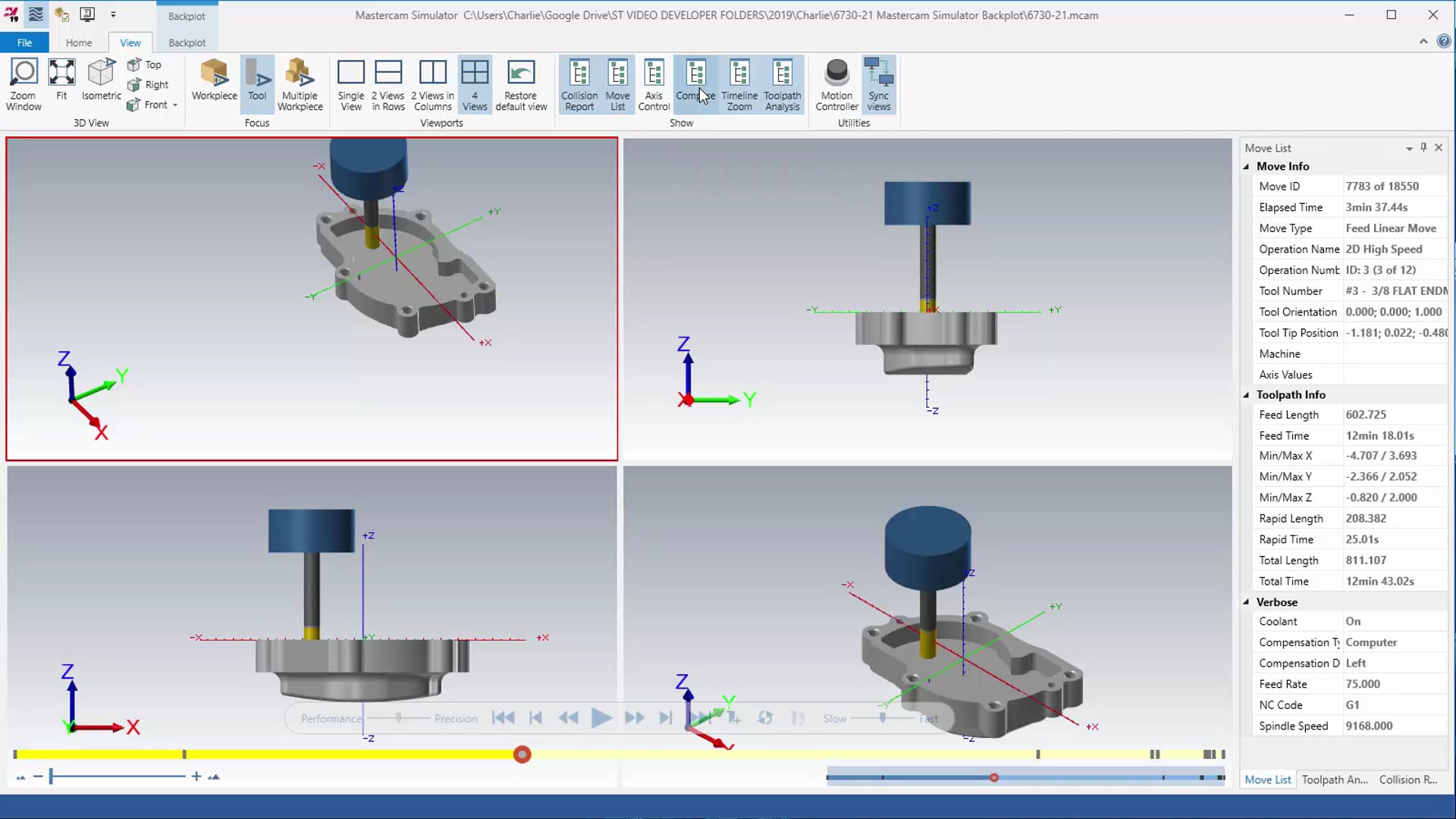
MasterCAM

  • Creating 2D Drawings

    • Line, Arc, Rectangle, Fillet, Chamfer
    • Point, Polygon, Rectangle shapes
    • XForm, Trim, Break
    • Drafting ,Analyzing

    Creating 2D Tool paths

    • Pocket, Contour, Facing, Drilling
    • Transforming 2D tool paths (Translate, Rotate, Mirror)
    • Hole milling, slot milling and helical milling tool paths
    • Back plot, Verification, post processing

    Creating 3D Models

    • Extrude, Revolve, Fillet, Chamfer
    • Sweep, Thicken, Ruled
    • Boolean operations( Add, Subtract, Common)
    • Converting Solid to Surface, Surface to Solid
    • Surface modeling tools (Ruled, Extrude, net, fence, trim, split, removing boundary, fill holes, flat boundary)

    Creating 3D Tool paths

    • boundary box, Orientation, Analyzing
    • Pocket, Contour, Shallow, Parallel, Rest milling, Corner finishing tool paths
    Back plot, Verification, Gouge checking, Post – processing, Editing of programs
master cam 1
master cam 2

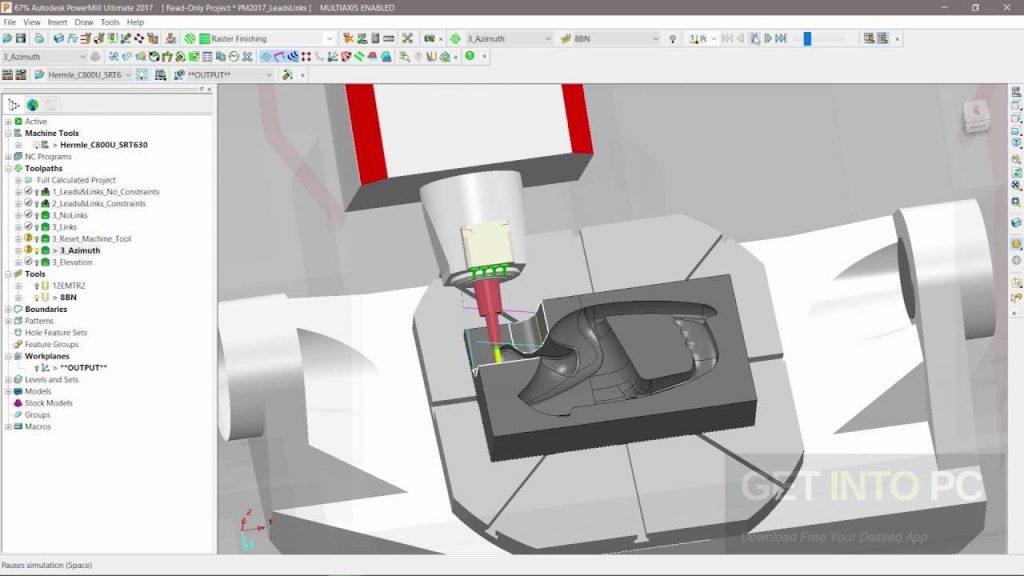
DelCAM

  • Work plane set up, wire frame modeler, data exchange, set block for machining

    • Customizing Power MILL Stock Models, define Work planes , · Machining simulation , · Data exchange · Wire frame modeler , · Create process sheet Setup for machining, · Define boundaries for machining, define block, measurement

    Finishing

    • 3D-offset finishing ,· Constant Z- finishing ,· Optimized constant z-finishing ,· Offset flat finishing, raster flat finishing ,· Pattern finishing, spiral finishing ,· Raster finishing, radial finishing ,· Corner along finishing, corner multi pencil finishing, corner automatic and stitch finishing, corner pencil finishing · Surface finishing ,· Practice finishing

    2D-area clearance machining and post processor selection for Q&M code

    • Face milling ,· 2D-curve area clearance ,· 2D-curve profile ,· Drilling ,· Post processor selection to convert DelCAM file in to Q&M code

    3D area Clearance Strategies
    · Offset area clearance model
    · Profile area clearance model
    · Raster area clearance model
    · Rest machining

delcam 1
delcam 2

NxCAM

  • Manufacturing General
  • Manufacturing Milling
  • Feature Based Machining
  • Toolpath Parameters like Speed, Feed, & Cutting Speed etc
  • 2D Tool path ‐ Face, Contour, Pocket & Drill Mill
  • Tool Library
  • Job Setup
  • Roughining Operations- Parallel,Radial, Project & Flowline etc.
  • Finish Operations- Parallel,Radial, Project & Shallow etc.
  • Manufacturing Miscellaneous
  • Manufacturing Advanced
  • NC Utilities
  • Creating C L Files
  • Integrated Simulation
  • Varification (ISV)
  • Progaming
  • G & M Code Tool path Generation
  • Post Builder
  • GPM Legacy PostProcessor
  • Manufacturing Turning
NX-cam 1

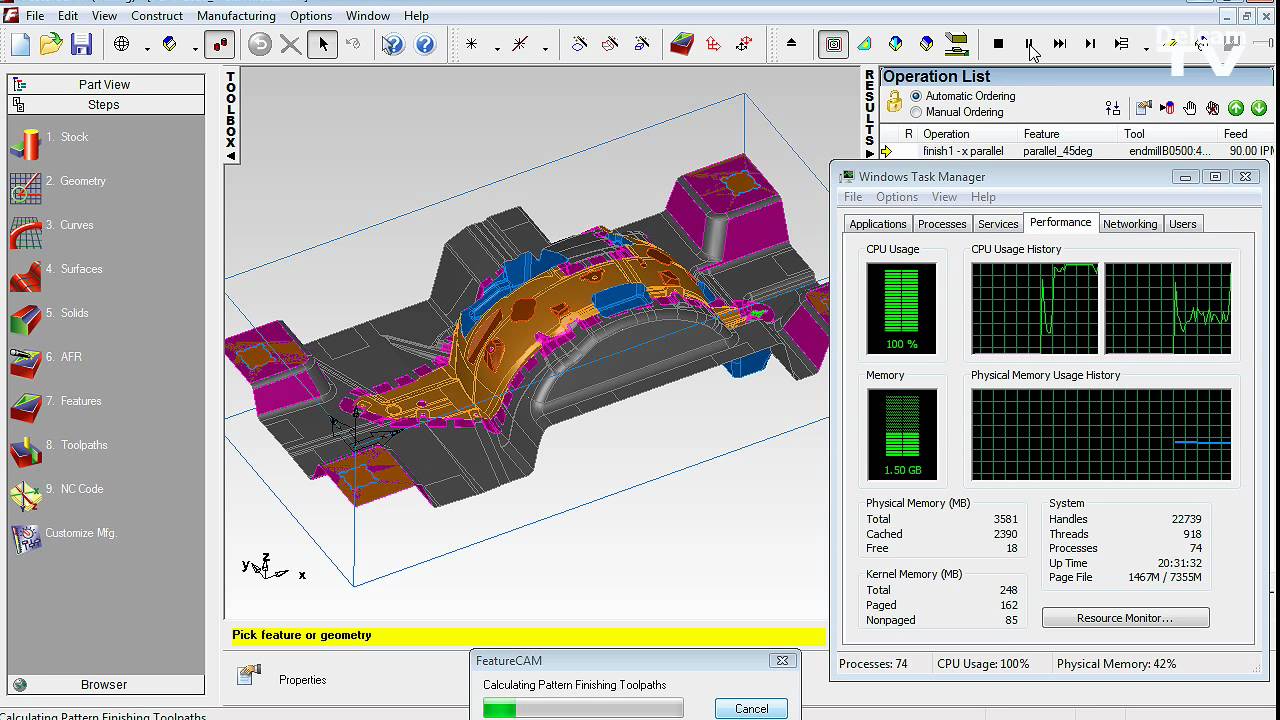
FeatureCAM

  • Feature CAM Getting Started

    • Getting started in FeatureCAM
    • Starting FeatureCAM for the first time
    • FeatureCAM interface
    • 2.5D Milling example
    • Turning example
    • TurnMill example

    Feature CAM Help

    • To get help with FeatureCAM
    • FeatureCAM interface
    • Files and documents
    • Multiple fixture documents
    • Tombstone machining

    XBUILD Help

    • XBUILD overview
    • Multi-turret turning posts
    • Swiss turning posts
    •             Wire EDM posts
feature cam 1
FeatureCAM 2

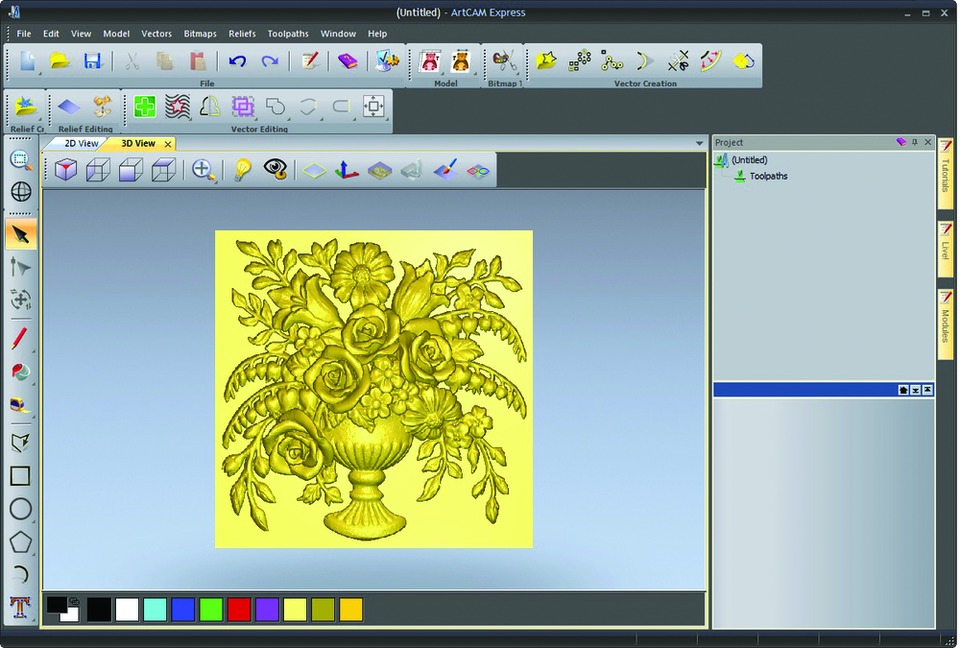
ArtCAM

  • 1.Introduction
  • 2. Generating Vectors
  • 3. Vector Editing
  • 4. Reliefs
  • 5. Pictures
  • 6 3D Blend and Fade Relief
  • 7. Extrude, Spin, Turn, and 2 Rail Sweep, Reliefs
  • 8. Weaves
  • 9. 3D Clipart and Texture
  • 10. Relief Layers
  • 11. Relief Editing
  • 12. Toolpath Options
  • 13. 3D Z Level Roughing
  • 14. Relief Machining & 3D Rest
  • 15. 3D Cut Out Machining (Inc. Profile Options)
  • 16. Feature Machining
  • 17. Post processing Toolpaths
  • 18. Toolpath Editing and Templates
  • Contents ArtCAM Pro
  • 19. 2D Vector Machining
  • 20. Engraving
  • 21. Drilling
  • 22. Projects

art cam 1
art cam 2